Working Codes for +1 Melt Ice for Dinos
Active promo codes, reward notes, and fast redeem steps for Cryosaur Studios' Roblox incremental.
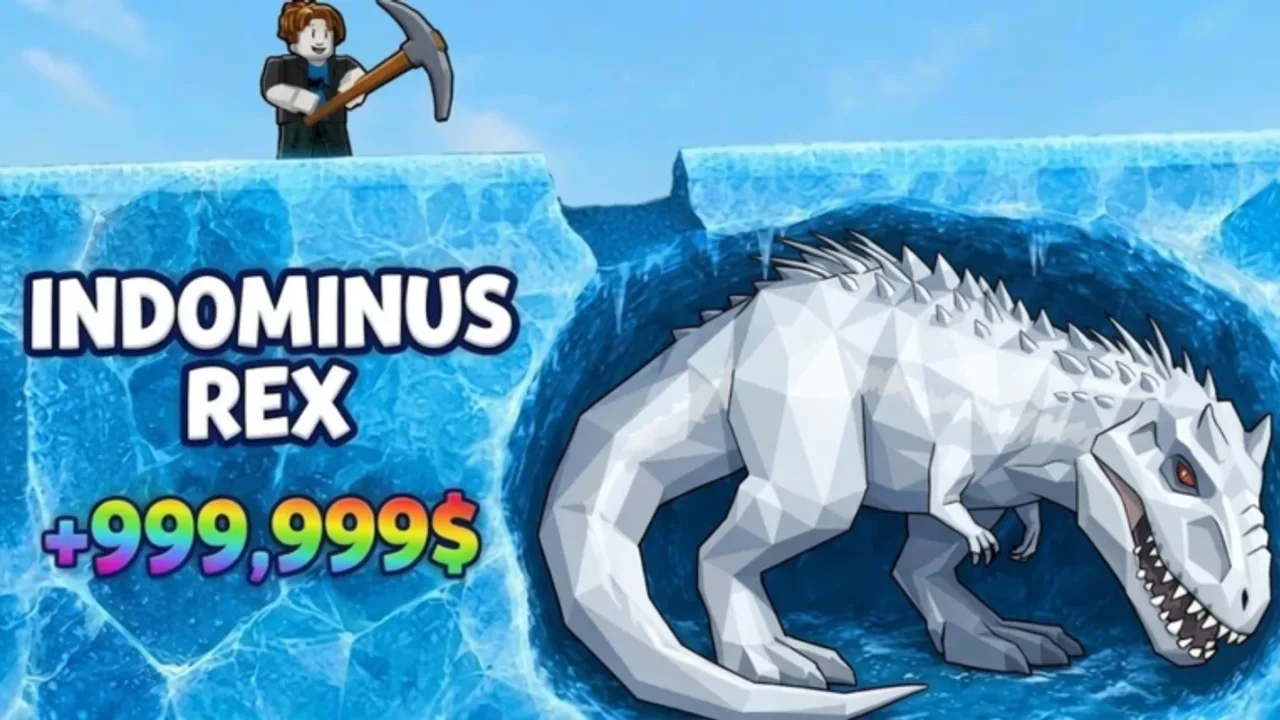
+1 Melt Ice for Dinos! (often shortened to Melt Ice for Dinos) by Cryosaur Studios drops free promo codes during events and world unlocks. Redeeming them is one of the fastest ways to grab Free Rewards without grinding extra Fire clicks. This Codes Hub lists every working code we track as of late November 2026, explains how rewards usually arrive, and links out to the full redeem walkthrough and beginner loop so you spend less time stuck in menus.
Codes are case-sensitive, expire without much warning, and only work in the official experience (Universe ID 10766176458 / Place ID 135771443416012). Always copy the exact string, open Settings from the top-right, scroll to the codes box at the bottom, paste, then redeem. If a code fails, check spelling, capitalization, and whether the drop already ended - then refresh this page after the next Updates pass.
Working codes (November 2026)
| Code | Reward | Added |
|---|---|---|
THANKSGIVING | Free Rewards | Nov 21, 2026 |
WORLD2 | Free Rewards | Nov 19, 2026 |
Both codes are marked as Free Rewards in community tracking. Exact bundle contents can change with patches, so treat the label as the official reward category rather than a fixed inventory list. Enter each code once per account; duplicates usually return an already-redeemed or invalid message.
THANKSGIVING
THANKSGIVING arrived with the late-November holiday window. It is one of the newest active drops and is a priority claim if you just started melting ice or just unlocked a deeper zone. Redeem it before browsing shops so any Free Rewards can feed your early torch upgrades or base setup. Pair it with the day-one loop in Getting Started so you know where new currency and items actually help.
WORLD2
WORLD2 landed slightly earlier (Nov 19, 2026) and lines up with World 2 progression talk in the community. If you are pushing past the first map into rarer dinos and stronger torches, redeem this as soon as you join a server. Free Rewards from world-themed codes often smooth the jump between zones where Fire demand and carry trips get longer.
Expired codes
No confirmed expired codes are listed yet for this title. When a code stops working for most players, we move it here with a short note instead of deleting the history. Until then, assume anything not in the working table above is unverified - do not trust random social screenshots without testing in-game.
How to redeem (quick summary)
- Launch +1 Melt Ice for Dinos! on Roblox (Desktop, Mobile, Console, or Tablet).
- Open Settings from the top-right of the HUD.
- Scroll to the codes input box at the bottom of Settings.
- Type or paste the code exactly (case-sensitive).
- Confirm Redeem and check your inventory / reward popup.
Need screenshots-level detail, troubleshooting for invalid messages, or a habit for checking new drops? Use the full How to Redeem Codes guide. That page walks through Settings layout, common failure reasons, and how codes fit the Fire → melt ice → free dinos → base income loop.
Why codes matter in this game
+1 Melt Ice for Dinos is an incremental / tycoon-style Roblox experience: you click to generate Fire, melt ice to free frozen dinos, carry them to your base, and let them earn money offline. Stronger torches and upgrades open deeper zones with rarer dinos; rebirth resets Fire progress while keeping money and dinos. Free Rewards from codes shorten the early grind so you can afford upgrades and reach World 2 content sooner - especially useful on servers capped at six players where you want every efficient minute.
Codes will not replace smart rebirth timing or good placement, but they remove friction when you are still learning controls. After redeeming, return to Getting Started for the recommended early order of upgrades, then watch Updates whenever Cryosaur Studios ships events or new worlds.
Tips before you redeem
- Redeem on a stable connection; mid-redeem disconnects can make rewards feel “missing” until you rejoin.
- Enter codes one at a time and wait for confirmation before the next string.
- Keep a short personal list of codes you already used so you do not spam invalid attempts.
- Prefer this wiki’s working table over undated Discord screenshots - codes expire and old images linger.
- After a big update, re-check both the Codes Hub and Updates in the same session.
Related pages
- How to Redeem Codes - full Settings walkthrough and troubleshooting
- Getting Started - Fire, melting, dinos, upgrades, rebirth basics
- Updates - patch and event notes that often ship with new codes
Bookmark this Codes Hub and refresh after holidays, world unlocks, or admin events. When new strings go live, they land in the working table first; when they die, they move to Expired so you always know what still pays Free Rewards today.
Frequently Asked Questions
Quick answers for Melt Ice for Dinos players.
What are the working +1 Melt Ice for Dinos codes right now?
As of late November 2026, the tracked working codes are THANKSGIVING (Free Rewards, added Nov 21) and WORLD2 (Free Rewards, added Nov 19). Both are case-sensitive and can expire.
How do I redeem codes in +1 Melt Ice for Dinos?
Open Settings from the top-right, scroll to the codes box at the bottom, enter the exact code, then redeem. Full steps are on the How to Redeem Codes page.
Are Melt Ice for Dinos codes case-sensitive?
Yes. Enter THANKSGIVING and WORLD2 exactly as shown. Wrong capitalization usually returns an invalid or failed redeem message.
Why did my code say invalid or already redeemed?
The code may have expired, been typed incorrectly, or already been claimed on your account. Double-check spelling, try again after rejoining, and compare against this hub’s working list.
Do codes work on mobile and console?
Yes. The experience supports Desktop, Mobile, Console, and Tablet. Use the same Settings → bottom codes box flow on each platform.