Melt Ice for Dinos Controls & Platforms Guide
Desktop, Mobile, Console, and Tablet tips for Fire, carrying dinos, Settings codes, and six-player servers.
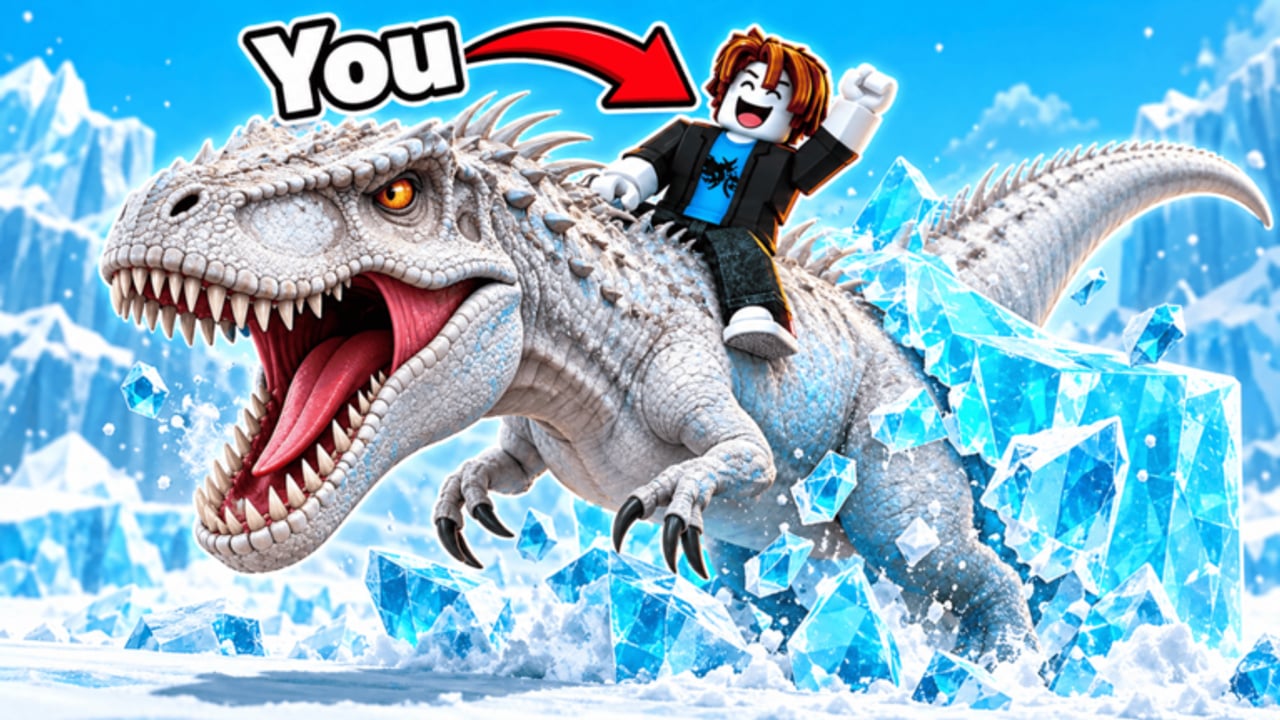
+1 Melt Ice for Dinos! by Cryosaur Studios is a free Roblox incremental / tycoon built for Desktop, Mobile, Console, and Tablet. The verbs never change - click or tap for Fire, melt ice, free dinosaurs, carry them home, place them for offline money - but the feel of those verbs depends on your device. This controls guide covers practical input tips, camera and pathing habits, how to reach Settings for codes, what a server size of six implies, and how to keep the UI usable when you are mid-carry with a dino on your back.
New players should still read Getting Started for the full loop. Use this page when the mechanics make sense but the thumbs, mouse, or gamepad do not. For redemption steps once Settings is open, jump to How to Redeem Codes. For why placement after every carry matters, see Offline Earnings. Broader wiki context lives on the Wiki overview.
Shared loop on every platform
Regardless of device:
- Raise Fire with the primary click / tap / attack input the experience binds for melting.
- Focus softer ice first until your torch and Fire Power catch up.
- Pick up freed dinos and walk them to your base plot.
- Place them on pedestals so offline income starts.
- Open the shop for money sinks and Fire sinks; open Settings when you need codes.
- Rebirth when Fire rebuilds fast - money and dinos stay.
If an ice wall refuses to move, the problem is almost never “wrong button.” It is melt power. Back up to thinner ice or buy the next affordable Fire upgrade instead of mashing harder.
Desktop tips
Mouse and keyboard give the cleanest camera control for planning carry routes.
- Bind attention to a short ice-to-base loop you can repeat without thinking.
- Click Fire in short focused bursts; use AFK income between bursts instead of marathon clicking.
- Zoom out enough to see both the ice cluster and the path home before you pick up a dino.
- When redeeming codes, stop moving, open Settings with a free cursor, then return to melting - do not try to type while pathing through traffic.
- Use the sharper camera to scout World 2 toughness before committing a long walk into ice you cannot crack.
Desktop players often over-click early. Discipline beats raw APM: place, upgrade, rebirth, leave. The game rewards that rhythm on every platform.
Mobile and Tablet tips
Touch screens are fully supported, but UI density and camera drag fight you if you ignore them.
- Prefer Fire Power / assist upgrades earlier so you are not glued to the screen for every Fire point - details in the Upgrades and Torch Weapons guides linked from the Guides Hub.
- Plan thumb-friendly carry routes with fewer sharp camera turns.
- Place the dino before you open menus; fat-finger mistakes drop time more often than they drop dinos.
- Rotate the camera deliberately before a melt session so ice targets sit in the comfortable half of the screen.
- Redeem codes when you are standing still at base. Keyboard popups and moving characters do not mix well.
- On Tablet, treat the wider screen like a light Desktop: zoom out, plan the route, then commit.
If melt progress crawls, do not blame the touch controls first. Soft ice and cheap Fire bumps fix more “mobile feels weak” complaints than sensitivity tweaks.
Console tips
Gamepad play is supported alongside the other platforms. Expect the same loop with stick camera and face-button confirms.
- Learn which face button triggers Fire / interact in your current Roblox bind set before you wander into thick ice.
- Use the stick to pre-aim the camera down your carry corridor so a freed dino trip is one smooth push home.
- Open Settings from a safe base spot when entering codes - virtual keyboards and combat camera are a bad pair.
- Because servers are small, you can usually reclaim space near soft ice without console-style chaos; still avoid parking AFK in a doorway another player needs.
If a menu feels awkward, finish placement first. Menus are safer when your hands are empty and your character is home.
Carrying dinos without wasting the trip
Carry trips are where controls meet progression. A perfect melt means nothing if the walk home is a maze.
- Memorize one short route from your current farm ice to your plot.
- On Mobile, reduce camera fight by facing the path before you pick up.
- On Desktop and Console, zoom out until landmarks stay visible.
- Place immediately. Unplaced dinos earn nothing while you fiddle with Settings or the shop.
- After placing, decide: another melt, one upgrade, or a planned AFK - see Offline Earnings for logout discipline.
Failed pathing is a hidden tax. Cutting thirty seconds off every return trip compounds harder than one vanity torch.
Settings, codes, and UI accessibility
Codes live behind the in-game Settings / codes entry. Exact button labels can shift with UI tweaks, but the habit should not:
- Return to base or stand still.
- Open Settings.
- Find the codes field.
- Enter a live code from the Codes Hub exactly as listed.
- Confirm, then close menus before you resume Fire.
Step-by-step screenshots and troubleshooting belong on How to Redeem Codes. This page only stresses when to open the UI: not mid-carry, not mid-thick-ice stare, not while the virtual keyboard covers your only escape path on Mobile.
If a code fails, check expiry and spelling before assuming Controls broke. Seasonal examples such as THANKSGIVING and WORLD2 are time-limited free rewards - redeem while active, then get back to placement.
Server size 6 - what it changes
Melt Ice for Dinos runs with a server size of six. That is small by Roblox standards and it shapes how you play controls-wise:
- Ice neighborhoods are less of a mosh pit; you can usually claim a melt spot without fighting a crowd.
- You still should not block doorways or base entrances while AFK - six players notice rude parking.
- Social noise is lower; focus on your own Fire rebuild and carry loop instead of competing for every free.
- Event nights (World 3 / Admin Abuse style drops around late November 2026) can still feel busier relative to the cap - arrive with codes redeemed and a clear route so crowded minutes convert into placed dinos.
Small servers reward clean movement more than combat awareness. Be predictable, finish carries, leave space.
Camera, pathing, and comfort checklist
- I know my primary Fire input on this device.
- Soft ice melts without desperate mashing; if not, I upgrade Fire before blaming controls.
- I have a short ice-to-base route memorized.
- I place every free before opening shop or Settings.
- I redeem codes standing still via Settings, following How to Redeem Codes.
- I use AFK income between focused click sessions instead of endless mash.
- I skim Wiki / Guides when a mechanic confuses me rather than inventing button myths.
Common controls mistakes
Mashing thick ice on Mobile. Upgrade melt power; do not punish your thumbs.
Opening codes mid-carry. Place first, type second.
Camera glued to the ground. Zoom out enough to see the path home.
Blaming the gamepad for slow Fire. Fire Power and torches fix ceilings; inputs only deliver clicks.
AFK in a choke point on a six-player server. Park on your plot, not in the doorway.
Skipping Getting Started then asking why buttons “do nothing.” Soft ice and tutorial habits matter more than obscure binds.
Related links
- How to Redeem Codes - Settings path and redemption steps.
- Getting Started - first-hour loop on any device.
- Offline Earnings - why every carry must end in a placement.
- Wiki - high-level game overview and hub links.
- Codes - live promo list.
- Guides Hub - torch, upgrades, rebirth, World 2 walkthroughs.
Master the same loop on every platform: Fire when ice is fair, carry on a short route, place without delay, open Settings only when your hands are free. Do that and Desktop clicks, Mobile taps, Console buttons, and Tablet gestures all feel like the same game - because they are.
Frequently Asked Questions
Quick answers for Melt Ice for Dinos players.
Which platforms does Melt Ice for Dinos support?
Desktop, Mobile, Console, and Tablet on Roblox. The Fire, melt, carry, place loop is the same; only camera and input comfort change.
Where do I enter codes on each device?
Stand still (ideally at base), open Settings, use the codes field, then confirm. Full steps live on How to Redeem Codes - avoid typing while carrying a dino.
Why does Fire feel weaker on Mobile?
Usually melt power, not the touch screen. Buy early Fire Power or assist upgrades, farm softer ice, and use short AFK income sessions instead of endless tapping.
What does server size 6 mean for gameplay?
Each server holds up to six players. Ice spots are less crowded than huge experiences, but you should still avoid blocking paths and finish carries cleanly - especially during event nights.
What should I read if I am new to the controls and the loop?
Start with Getting Started for the full first-hour loop, use this Controls guide for device tips, then Offline Earnings so every carry ends in a placed dino.